 Learning
 Know what is next
See the next teaching block and the classes ready to begin.
Built around the teaching day
A Coach should not have to jump between lesson plans, attendance tools, notes, evidence uploads, reporting forms, messages, and support systems just to run a class well. Cognit keeps those responsibilities connected around the teaching moment.
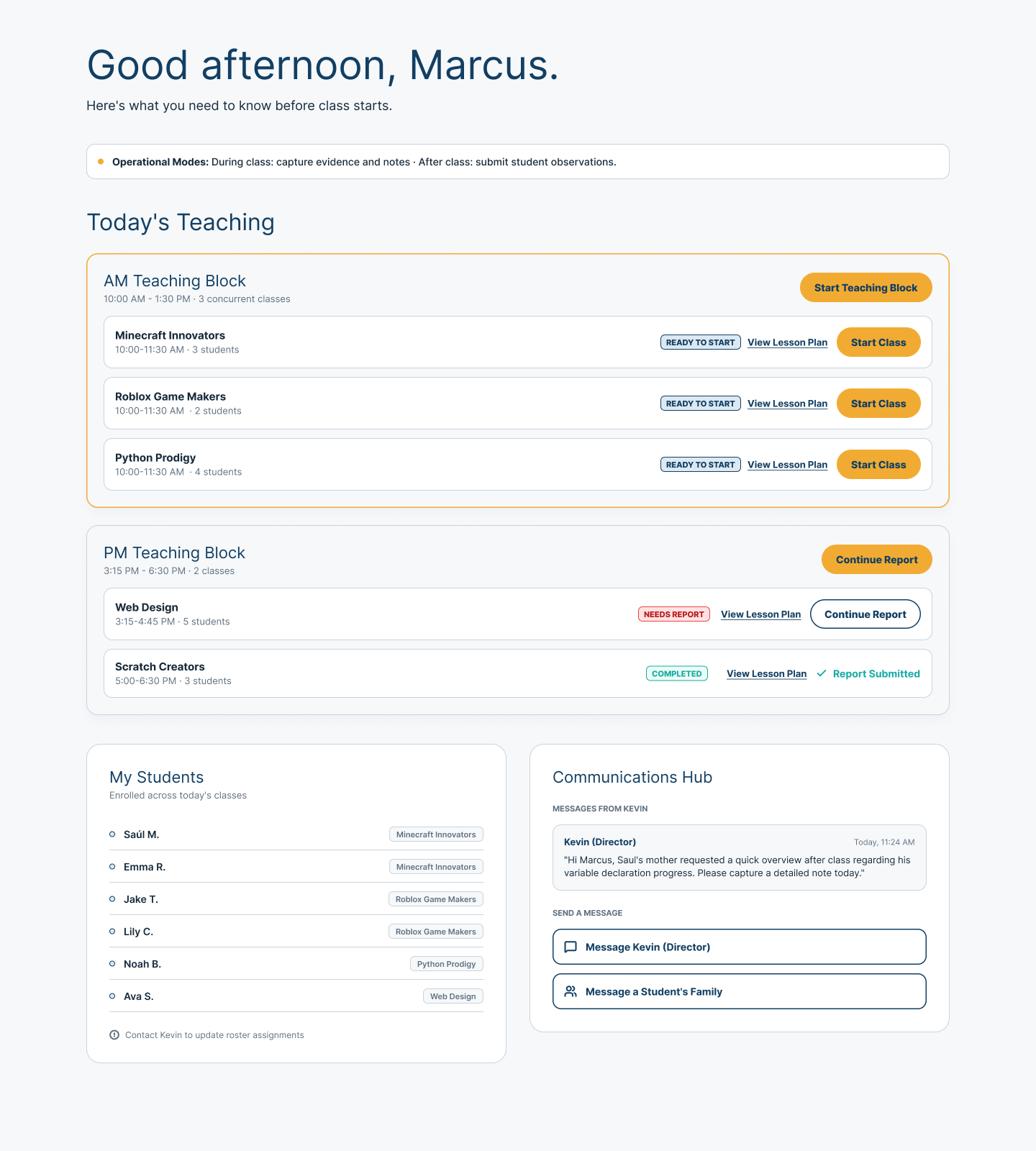
Today’s teaching
The Coach home view brings the teaching day into focus: upcoming teaching blocks, lesson-plan readiness, class and reporting status, Student context, and messages from the Center.
Multiple classes can remain visible without turning the Coach’s day into a scheduling exercise. What starts next—and what still needs closure—stays clear.
Prepare without losing the day
Cognit keeps preparation connected to the teaching block, the Students in each class, and reporting that still needs attention.
See the next teaching block and the classes ready to begin.
Move into lesson preparation with the class context still attached.
Reports that need closure remain visible without taking over preparation.
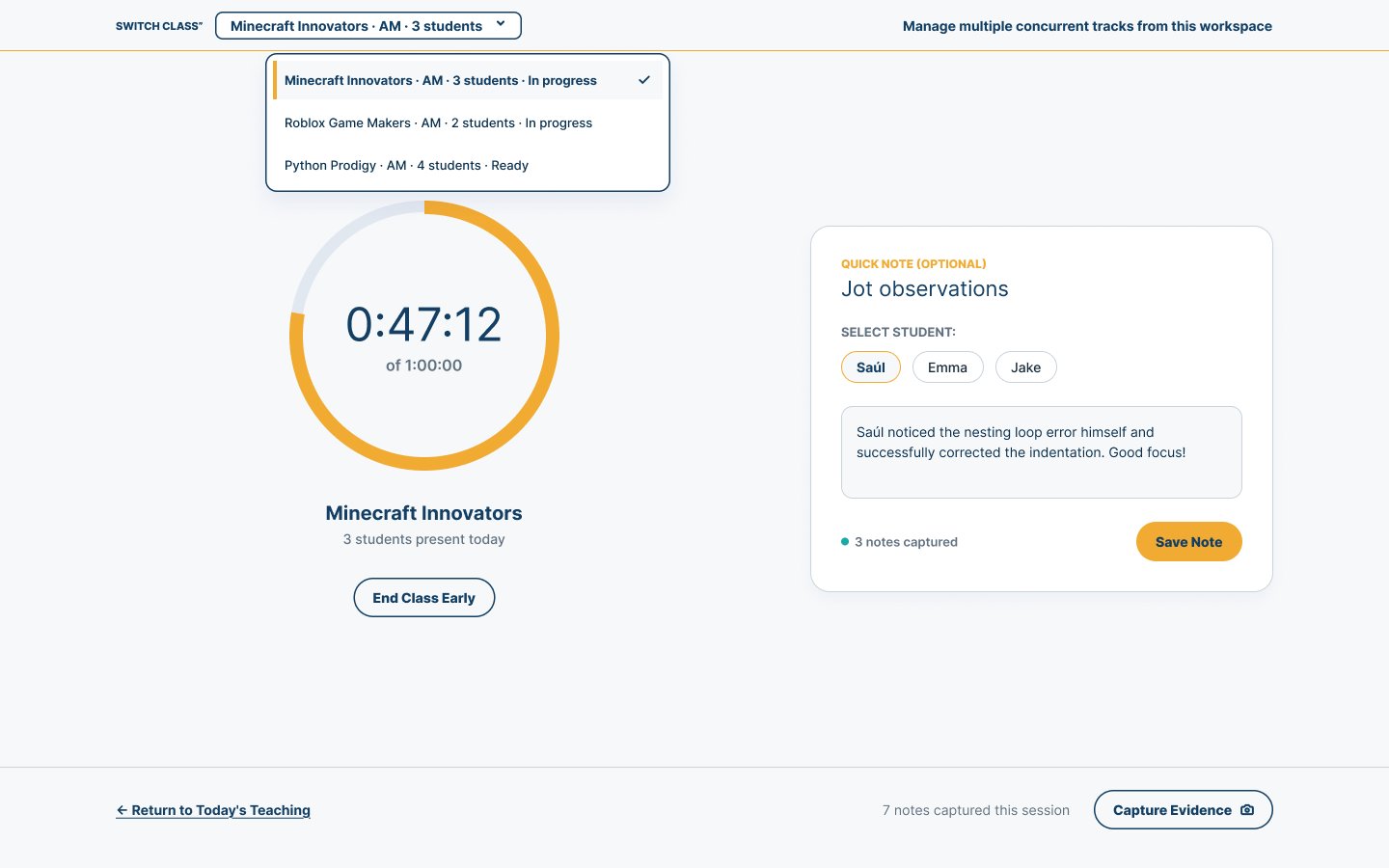
Teach and observe
An active-class view keeps the current class, elapsed time, quick Student notes, and evidence capture together. Coaches can record a useful moment and return their attention to teaching.
Teaching stays primary. Capture happens around it.
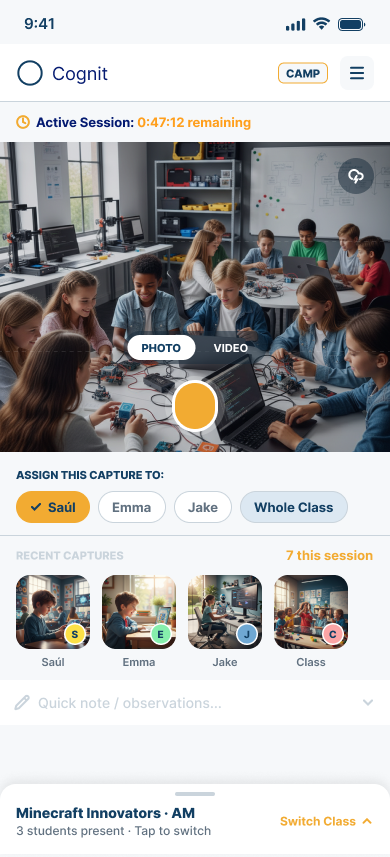
Mobile evidence
The mobile Coach view keeps active-session awareness close while a Coach takes a photo or video, connects it to a Student or the whole class, reviews recent captures, and adds a quick note.
Evidence can stay attached to the learning moment instead of becoming a separate task to reconstruct later.
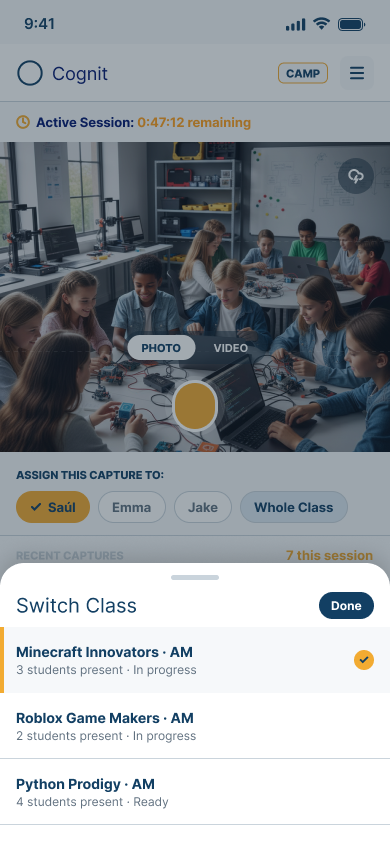
Concurrent classes
When a Coach is responsible for concurrent teaching tracks, the current class remains clear. The class selector distinguishes in-progress and ready states so changing context does not erase where the work stands.
The teaching moment changes; the surrounding context stays connected.
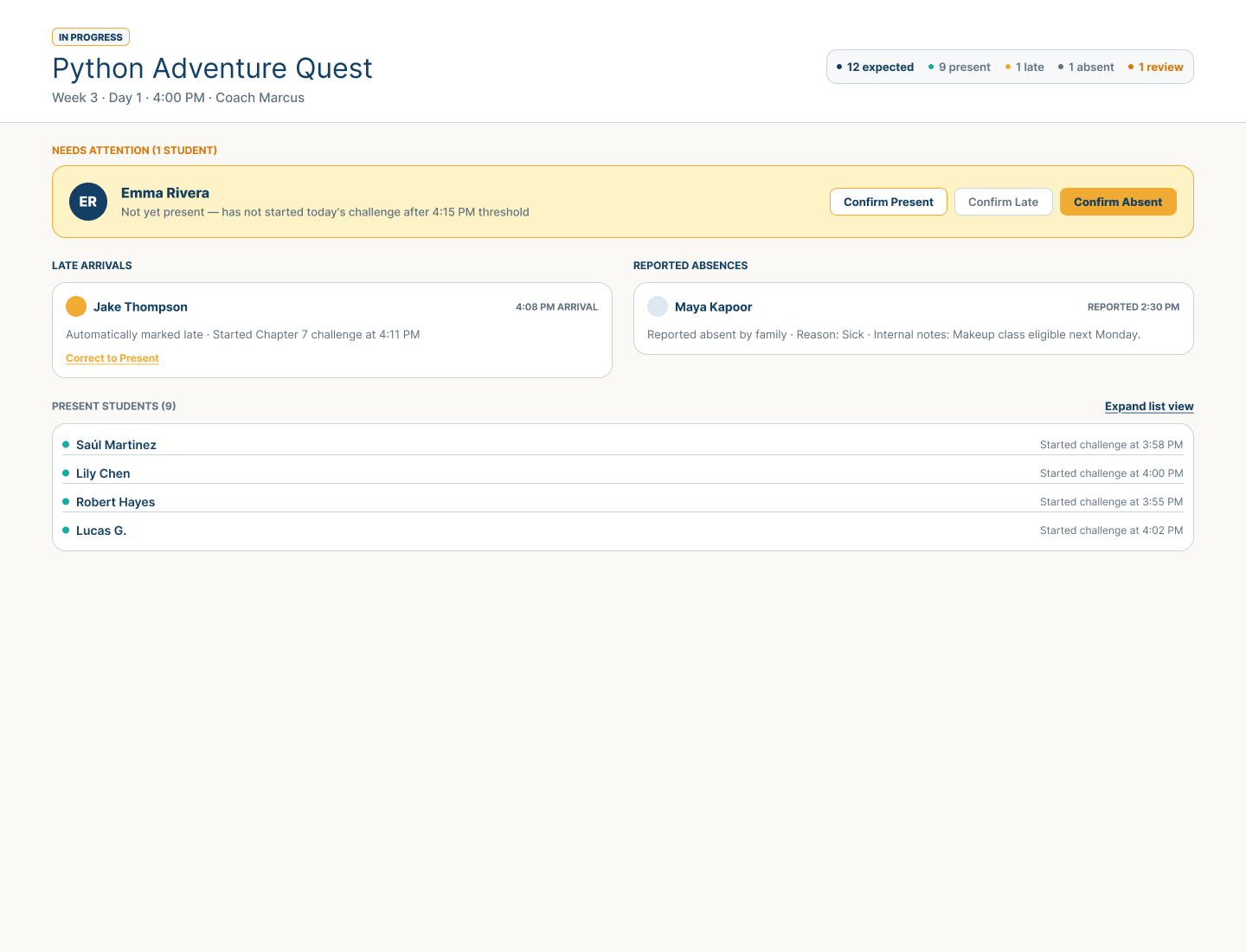
Attendance by exception
Expected, present, late, and absent context can remain visible while an unresolved Student state is brought forward for review. Coaches retain clear correction paths when the operating signal needs human judgment.
Routine work should stay quiet. Attendance exceptions should remain understandable and correctable.
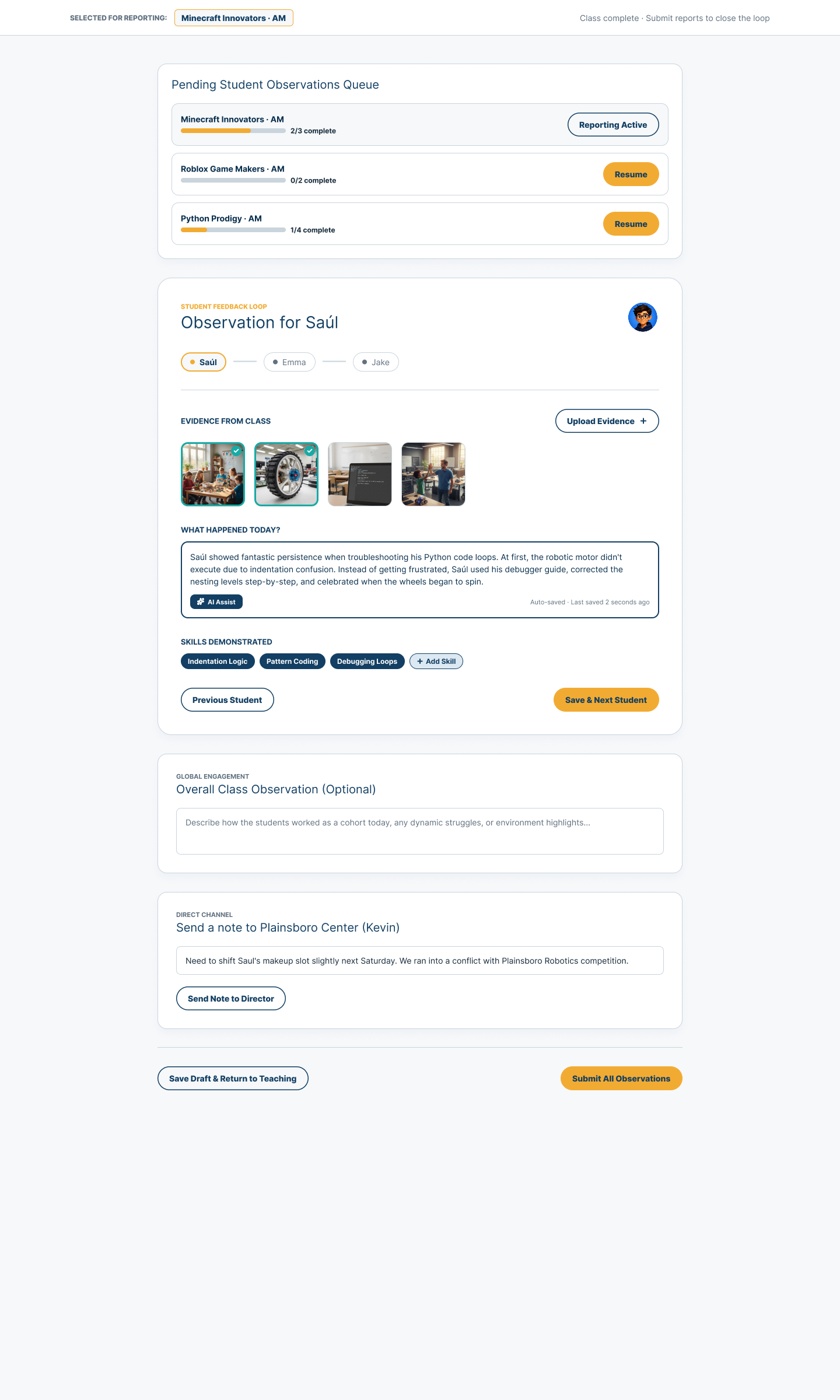
After class
A pending observation queue connects class evidence to Student-by-Student reporting. Coaches can describe what happened, identify demonstrated skills, add a class-level observation, and communicate useful context to the Center.
Draft and submission states keep the learning moment connected to the wider Learning Hub without presenting fixture observations as customer results.
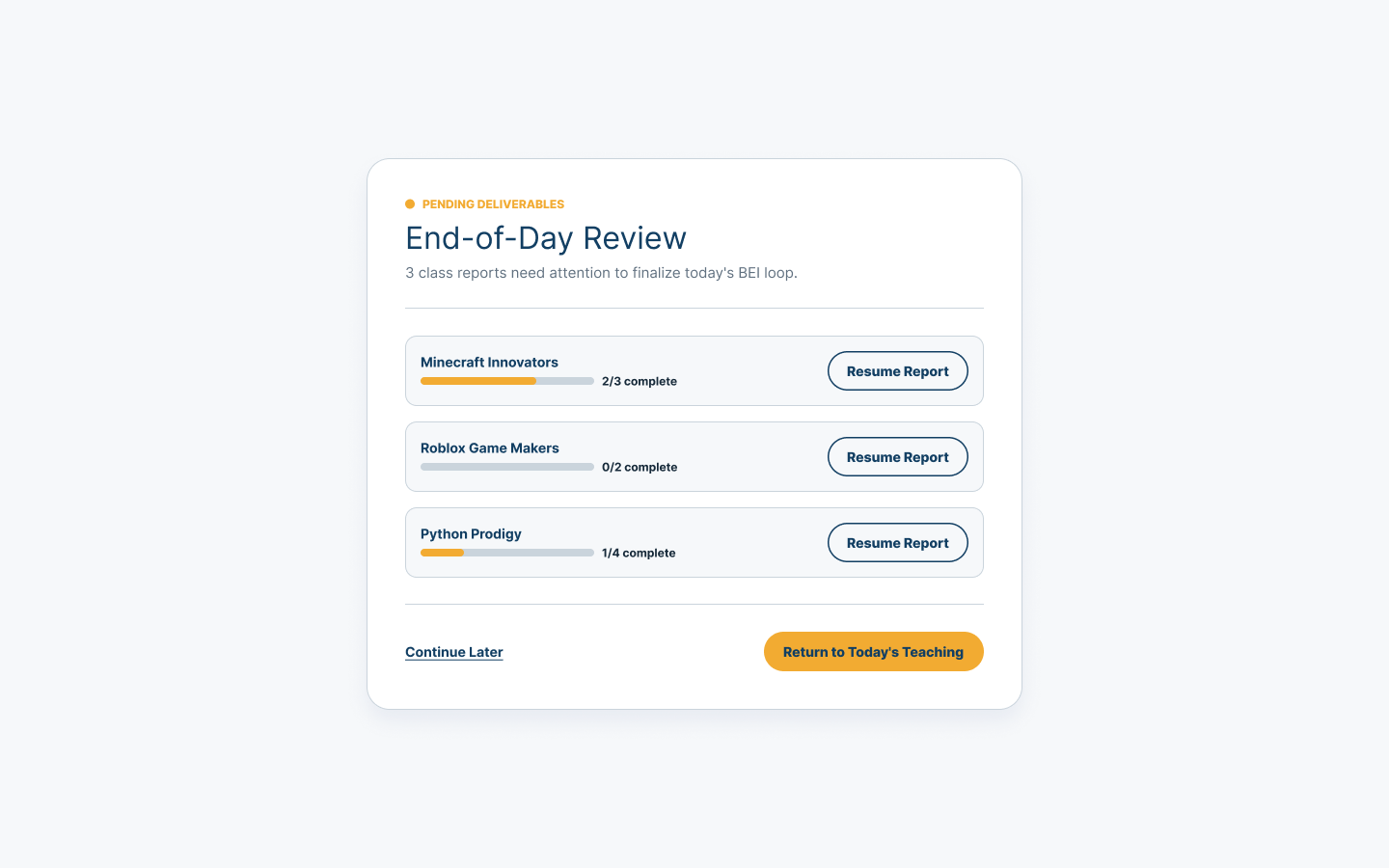
End-of-day closure
Incomplete class reports remain visible with their progress, so a Coach can resume reporting, continue later, or return to teaching with a clear understanding of what is unfinished.
Unfinished work stays visible without taking over the teaching experience.
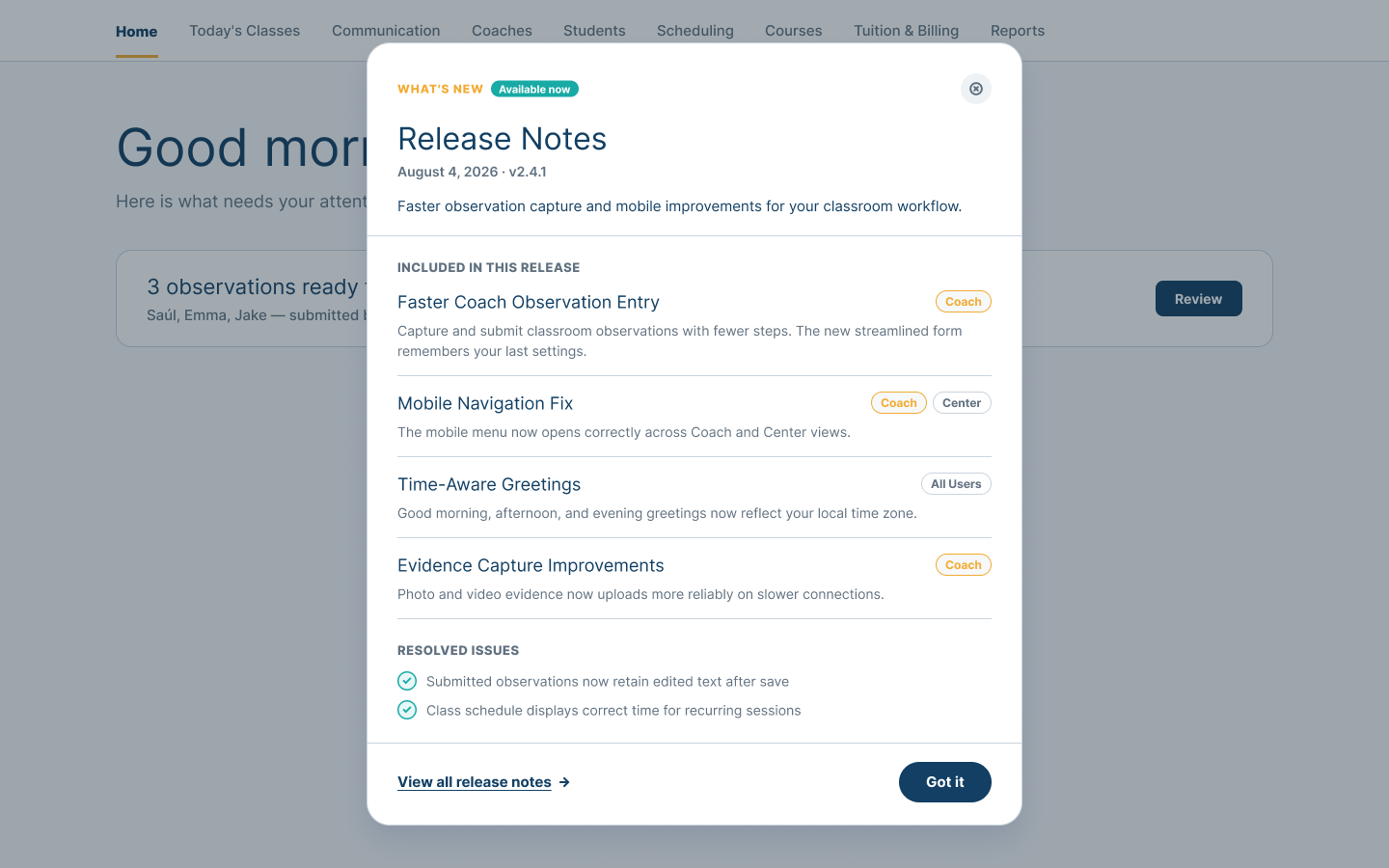
What’s new
Role-specific release notes can show Coaches the workflow changes and resolved issues that matter to their day. This keeps product communication useful and connected to responsibility.
Coach support
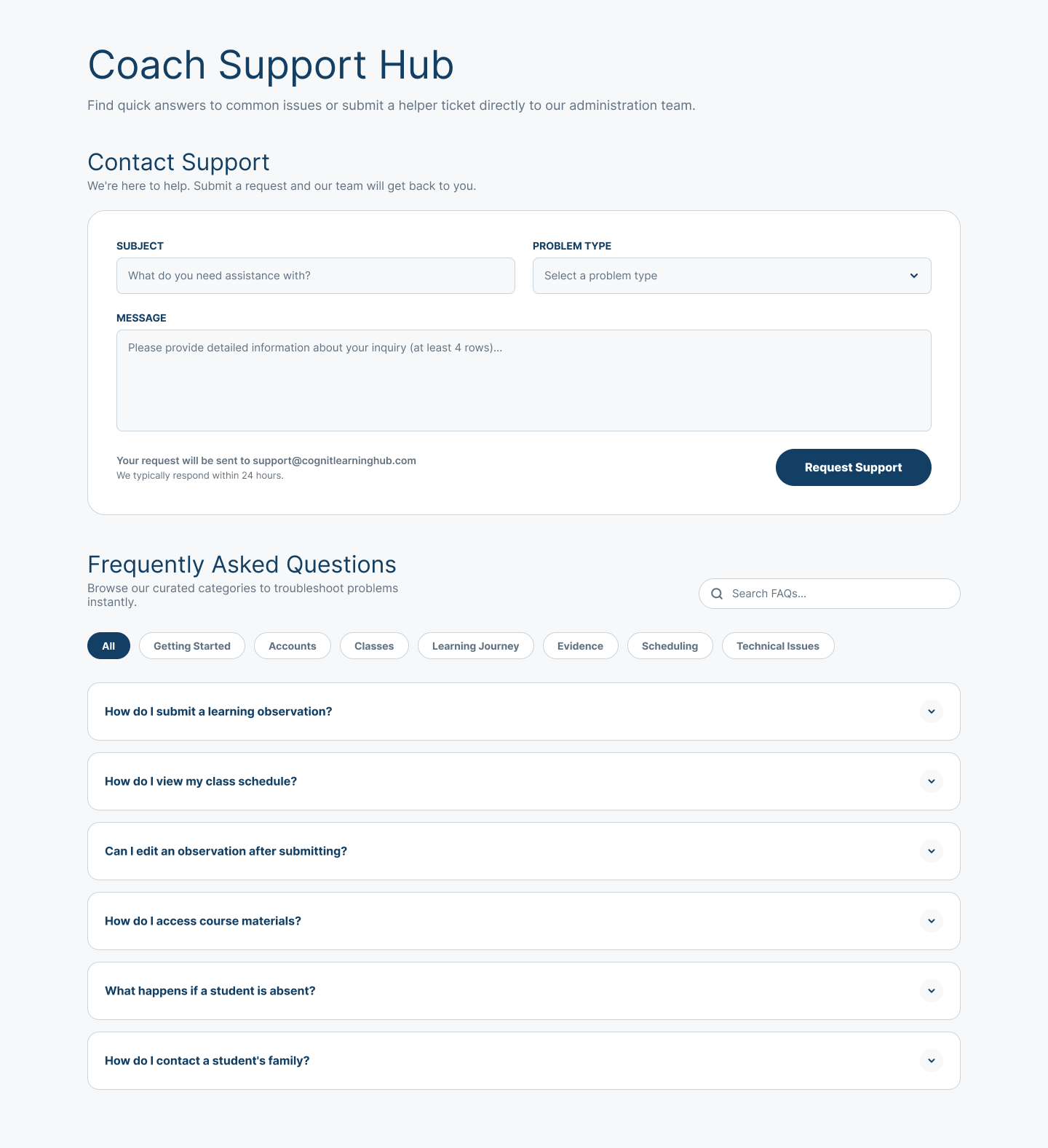
A Coach can describe a support need, identify the problem category, and browse guided answers for common classroom and account questions.
The screenshot contains illustrative Demo support content. Public Cognit Learning contact remains connect@cognitlearning.com.
Follow the Coach through the teaching day or talk with us about keeping learning and reporting connected.